• About
  • Contact
  • Disclaimer
  • Sitemap
  • Privacy Policy
  • Terms Of Service
Information Technology for You
  • Home
  • Guides
  • ChromeOS
  • MacOS
  • Windows
  • Utilities
  • Reviews
  • Tech Basics
    • Hardware
    • Software
    • Operating System
    • Networking
No Result
View All Result
  • Home
  • Guides
  • ChromeOS
  • MacOS
  • Windows
  • Utilities
  • Reviews
  • Tech Basics
    • Hardware
    • Software
    • Operating System
    • Networking
No Result
View All Result
Intechfy
No Result
View All Result

Windows 11 26H2: Microsoft Fixes Most Launch Bugs and Recommends Upgrading

Ethan Carter by Ethan Carter
November 5, 2026
Home Windows
Share on FacebookShare on Twitter

As of November 4, 2026, Microsoft’s update history for Windows 11, version 26H2—also known as the Windows 11 2026 Update—lists only one open known issue affecting personal computers. Following a challenging first month marked by several post-launch bugs, Microsoft has systematically shipped cumulative updates that resolve the vast majority of initial complications. For users who held off on the upgrade due to early stability concerns, the operating system is now considered reasonably safe for most hardware configurations.

Early iterations of the 2026 Update introduced compatibility hurdles that impacted domain-joined office PCs, File History backups, Remote Desktop features, virtual desktop environments, Smart App Control, and specific AMD graphics audio setups. Microsoft addressed these problems through targeted cumulative updates, primarily KB5124010 and KB5127936. While third-party outlets like Windows Latest summarized the current status as having “all but one” bug fixed, official documentation confirms each specific patch alongside the single remaining open hardware conflict.

Table of Contents

Toggle
  • Windows 11 26H2 Status: Most Launch Bugs Resolved
  • The One Remaining Known Issue: USB Audio Class 1.0
  • Microsoft’s Performance Claims for 8GB RAM PCs
  • Should You Upgrade? Who Should Install and Who Should Wait
  • How to Check Your Version and Install Windows 11 26H2 Safely

Windows 11 26H2 Status: Most Launch Bugs Resolved

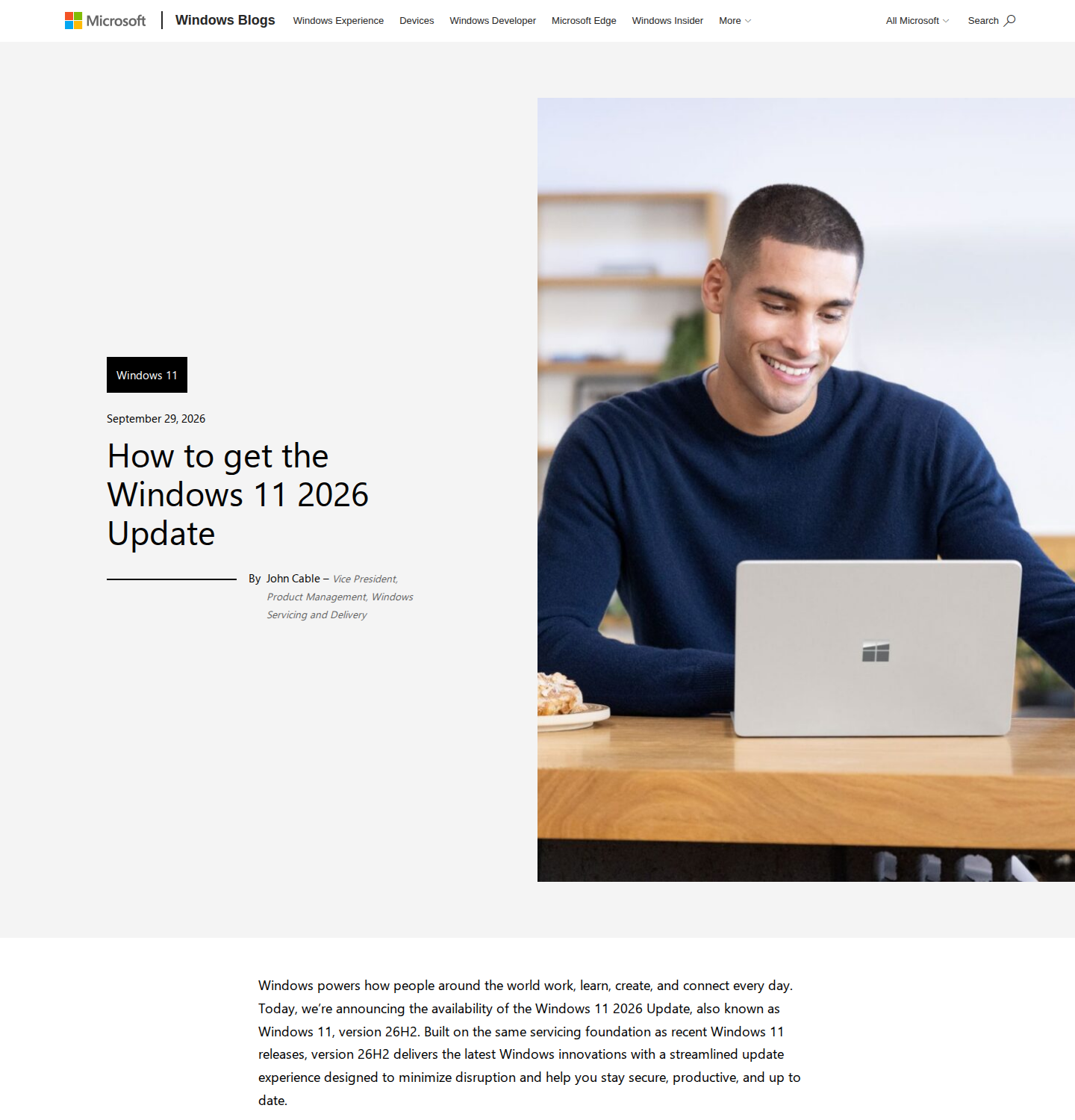
The timeline of patches shows a steady resolution of complex system bugs following the general availability announcement on September 29, 2026. Prior to its public release, Windows 11 26H2 underwent evaluation in the Release Preview Channel for Windows Insiders. However, initial deployment revealed several disruptive software interactions that required rapid intervention from engineering teams.

The rollout of cumulative updates successfully neutralized the most critical errors:

  • September 22, 2026 (KB5124010): Delivered crucial fixes for domain-trust relationships and File History backup failures across versions 24H2, 25H2, and 26H2. Managed environments struggling with black screens also received a Known Issue Rollback Group Policy package.
  • October 7, 2026: Official update documentation confirmed the resolution of domain-trust synchronization problems.
  • Mid-October 2026: Addressed Remote Desktop sign-in errors and post-login black screen phenomena, heavily affecting Azure Virtual Desktop and FSLogix configurations.
  • October 28, 2026 (KB5127936): Resolved the Smart App Control toggle glitch alongside HDMI and DisplayPort audio transmission failures on selected AMD graphics hardware.

These cumulative patches effectively cleared the software hurdles that made early adoption risky. Each fix is documented via Microsoft’s official KB notes, though exact device scopes can vary depending on local system setups.

The One Remaining Known Issue: USB Audio Class 1.0

Despite widespread software stability, Microsoft’s update history tracker maintains one unresolved hardware conflict involving specific USB Audio Class 1.0 devices. This legacy standard is common among simple plug-and-play USB headsets, standalone USB microphones, and budget or older USB audio interfaces that operate without vendor-specific drivers.
Windows 11 26H2: Microsoft Fixes Most Launch Bugs and Recommends Upgrading

When connected to a system running version 26H2, affected hardware may encounter a Code 10 error within Device Manager accompanied by a total loss of sound. While third-party reporting indicates that update KB5129195 mitigates this dilemma for some users, Microsoft’s official tracker has not yet marked the issue as fully resolved. Users who rely heavily on legacy USB audio equipment for daily work calls or recording sessions are advised to exercise caution until an official patch is verified.

Microsoft’s Performance Claims for 8GB RAM PCs

Alongside its bug-fixing efforts, Microsoft published a blog post on November 3, 2026, urging users to update and outlining memory optimization metrics for lower-spec hardware. According to Microsoft’s lab testing, 8GB RAM PCs running Windows 11 26H2 experience up to 20% greater responsiveness and up to 40% faster multitasking capabilities compared to previous versions.

Independent third-party benchmarks verifying these exact percentages are currently unavailable, meaning the lab claims should be evaluated pragmatically. Performance improvements depend heavily on background processes and how close a machine operates to its physical memory limit. For systems experiencing severe multitasking bottlenecks, a physical RAM upgrade to 16GB remains a more definitive solution than any operating system update.

Should You Upgrade? Who Should Install and Who Should Wait

Evaluating whether to transition to the Windows 11 26H2 bugs fixed status depends heavily on your daily hardware requirements and current operating system version. Most users will find the upgrade beneficial, but specific groups should hold off.

  • Home and Pro 24H2 Users: Recommended to upgrade. Staying on older 24H2 builds carries increasing security risks as support lifecycles progress.
  • 25H2 Users Without USB Audio Constraints: Safe to proceed with the feature update, though staying on 25H2 remains a viable short-term alternative.
  • Domain and Virtual Desktop Administrators: Safe to proceed, as domain trust and Azure Virtual Desktop sign-in errors have official documentation confirming their resolution.
  • USB Audio Class 1.0 Dependents: Must wait. Professionals relying on generic plug-and-play USB microphones or headsets risk encountering Code 10 hardware errors.

Because Microsoft documentation does not currently list an easy rollback path for 26H2, testing hardware compatibility on secondary machines is recommended when managing critical environments.

How to Check Your Version and Install Windows 11 26H2 Safely

Before initiating any system upgrade, verifying your current build and backing up irreplaceable files is essential. Follow these steps to ensure a smooth transition:

  1. Check your current build: Press the Windows Key + R, type winver, and press Enter. Alternatively, navigate to Settings > System > About.
  2. Perform a system backup: Run a File History backup or save important family photos and work documents to an external storage drive as a precaution.
  3. Access Windows Update: Open Settings > Windows Update on a compatible PC running Windows 11, version 24H2 or 25H2.
  4. Initiate the download: Optionally toggle on the setting to get the latest updates as soon as they are available. When Windows 11, version 26H2 appears, select download and install, then restart your device when prompted.

Phased feature rollouts utilize safeguard holds to temporarily delay updates on hardware with active compatibility conflicts. If the update does not immediately appear on your system, it is likely waiting for telemetry to confirm complete hardware readiness.
Views: 65

Share this:

Related posts:

  • How to Block, Allow, or Force-Install Microsoft Edge Extensions with Group Policy

  • How to Open and Use %LocalAppData% in Windows 11 and 10

  • Chromebook Storage Full? 8 Ways to Free Up Space Fast

Ethan Carter

Ethan Carter

Ethan Carter is a tech writer focused on Windows optimization, lightweight software, and practical PC troubleshooting. He enjoys testing utilities, improving low-end PC performance, and sharing simple tech solutions that help everyday users get more from their devices.

Next Post
How to Rebuild a Corrupted Outlook .OST Data File Without Losing Local Drafts

How to Rebuild a Corrupted Outlook .OST Data File Without Losing Local Drafts

Leave a Reply Cancel reply

Your email address will not be published. Required fields are marked *

Recommended.

Microsoft Office Home and Business 2021 for Mac Lifetime License Deal

Microsoft Office Home and Business 2021 for Mac Lifetime License Deal

October 26, 2026
Why the FCC Ban Affects Davolink Minions Routers

Why the FCC Ban Affects Davolink Minions Routers

October 28, 2026

Trending.

Is CCleaner Worth It in 2026? Honest Review After Testing It on Modern Windows PCs

Is CCleaner Worth It in 2026? Honest Review After Testing It on Modern Windows PCs

June 17, 2026
Microsoft PC Manager Review: Surprisingly Useful, But Not the PC Booster You Expect

Microsoft PC Manager Review: Surprisingly Useful, But Not the PC Booster You Expect

June 16, 2026
20 Operating System Examples Categorized by Device and Purpose

20 Operating System Examples Categorized by Device and Purpose

June 27, 2026
7 Best Free Antivirus for Windows 11 Ranked by Performance and Security

7 Best Free Antivirus for Windows 11 Ranked by Performance and Security

June 19, 2026
Apple’s November 2026 Lineup: Hardware Shipping, OS 27.3, and New TV+ Shows

Apple’s November 2026 Lineup: Hardware Shipping, OS 27.3, and New TV+ Shows

November 3, 2026
12 Best PC Boosters for Gaming, Low-End PCs, and Everyday Performance

12 Best PC Boosters for Gaming, Low-End PCs, and Everyday Performance

June 17, 2026
How to Update Your BIOS (UEFI)

How to Update Your BIOS (UEFI): When You Should, When You Shouldn’t, and How to Do It Safely

October 25, 2026
Best Free Screen Recorders for Windows We Tested No Watermarks, No Time Limits

9 Best Free Screen Recorders for Windows We Tested in 2026 (No Watermarks, No Time Limits)

June 23, 2026
What Is Programming Software? Types, Functions, and Best Tools for Beginners

What Is Programming Software? Types, Functions, and Best Tools for Beginners

June 14, 2026
Best PC Cleaner for Windows 11: 7 Safe Tools to Clean Junk Files and Free Up Storage

Best PC Cleaner for Windows 11: 7 Safe Tools to Clean Junk Files and Free Up Storage

June 17, 2026
25 Examples of Programming Software Used by Modern Developers

25 Examples of Programming Software Used by Modern Developers

June 14, 2026
What Is Utility Software? Functions, 5 Types, Benefits, and Real-World Examples

What Is Utility Software? Functions, 5 Types, Benefits, and Real-World Examples

June 16, 2026
Internal Hardware of a Computer: Definition, Components, and How Internal Computer Hardware Works

Internal Hardware of a Computer: Definition, Components, and How Internal Computer Hardware Works

March 9, 2026
What Is a Device Driver in a Computer? Functions, Types, How It Works, and Examples

What Is a Device Driver in a Computer? Functions, Types, How It Works, and Examples

July 2, 2026
How Good Is Microsoft Defender Antivirus? Is It Really Enough for Windows 11?

How Good Is Microsoft Defender Antivirus? Is It Really Enough for Windows 11?

May 14, 2026
What Are the Communication Devices? Definition, Key Characteristics, Types, and Real-World Examples

What Are the Communication Devices? Definition, Key Characteristics, Types, and Real-World Examples

June 19, 2026
Excel File Locked for Editing? How to Fix It (Even If It’s You)

Excel File Locked for Editing? How to Fix It (Even If It’s You)

November 2, 2026
What Does MLO Mean on Your Router and Should You Enable It?

What Does MLO Mean on Your Router and Should You Enable It?

October 26, 2026
iPad mini (A20 Pro): Release Date, OLED, Price, and Specifications

iPad mini (A20 Pro): Release Date, OLED, Price, and Specifications

October 29, 2026
New Apple Products Coming in 2026 and 2027: What’s Next for Mac, iPhone, and iPad

New Apple Products Coming in 2026 and 2027: What’s Next for Mac, iPhone, and iPad

October 29, 2026
MSI Afterburner Review: The Tool Most Gamers Use for Monitoring, Not Overclocking

MSI Afterburner Review: The Tool Most Gamers Use for Monitoring, Not Overclocking

June 17, 2026
What Is Firmware? Functions, How It Works, Types, and Examples

What Is Firmware? Functions, How It Works, Types, and Examples

June 19, 2026
Why Is My CPU Temp So High at Idle? Real Causes and How to Fix It

Why Is My CPU Temp So High at Idle? Real Causes and How to Fix It

September 14, 2026
Windows 11 version 26H2 Now Broadly Available for Eligible Devices

Windows 11 version 26H2 Now Broadly Available for Eligible Devices

October 26, 2026
What Is a Distributed Operating System? Architecture, How It Works, Functions, Benefits, and Examples

What Is a Distributed Operating System? Architecture, How It Works, Functions, Benefits, and Examples

June 27, 2026
Microsoft Edge Using Too Much Memory or CPU? 8 Ways to Fix It

Microsoft Edge Using Too Much Memory or CPU? 8 Ways to Fix It

October 28, 2026
What to Expect at Apple’s October 28 Pro and Tell Event

What to Expect at Apple’s October 28 Pro and Tell Event

October 25, 2026
How to Troubleshoot and Fix Word Mail Merge Errors

How to Troubleshoot and Fix Word Mail Merge Errors

October 28, 2026
What to Do With Your Unsupported Kindle Instead of Throwing It Away

What to Do With Your Unsupported Kindle Instead of Throwing It Away

October 29, 2026
Touchscreen MacBook Pro Rumors: OLED, Design and Release Date

Touchscreen MacBook Pro Rumors: OLED, Design and Release Date

October 29, 2026
Intechfy

Intechfy.com is a technology-focused information platform created to make everyday tech concepts easier to understand, more practical, and more accessible.

  • About
  • Contact
  • Disclaimer
  • Sitemap
  • Privacy Policy
  • Terms Of Service

© 2026 Intechfy.com - Information Technology for You

No Result
View All Result
  • Home
  • Guides
  • Utilities
  • Reviews
  • Tech Basics
    • Computer
    • Hardware
    • Software
    • Operating System
    • Networking

© 2026 Intechfy.com - Information Technology for You