Recognizing the Signs It Is Time to Replace Your Router
Unlike televisions or smartphones, home networking hardware rarely commands regular attention until performance falters. Most households rely on the equipment provided by their Internet Service Provider until dropped video calls or sluggish downloads force a reassessment. Evaluating whether you need a router replacement involves analyzing multiple operational factors beyond basic connection drops, including cybersecurity risks and the demand for modern Wi-Fi standards.

Evaluating Security Risks and Firmware Updates
Every connected device requires routine software updates to maintain security, particularly a router operating as the primary gateway to your local network. Once a manufacturer ceases support, newly discovered vulnerabilities remain unpatched, exposing connected devices to potential exploits. While Internet Service Providers typically cycle out aging hardware automatically, independently purchased units require manual verification of their support status. You can locate the model number and hardware revision on the physical label, then cross-reference it against the manufacturer’s end-of-life product lists or release history.
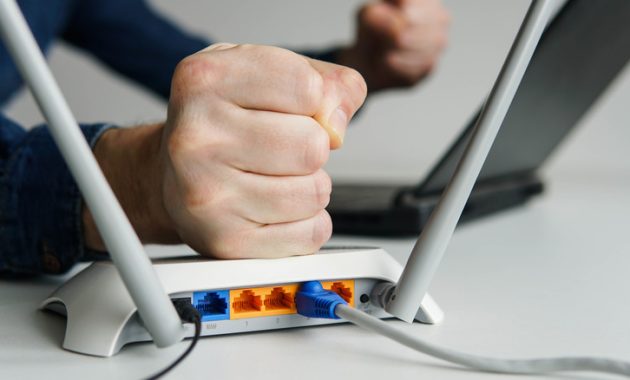
Owners can also inspect their administrative dashboard or companion mobile app to check for pending firmware updates under the system settings. If a router is no longer eligible for updates, transitioning to a newer model eliminates unpatched security holes. Continuing to operate an unsupported gateway leaves every connected device vulnerable to external threats once manufacturer patches stop.
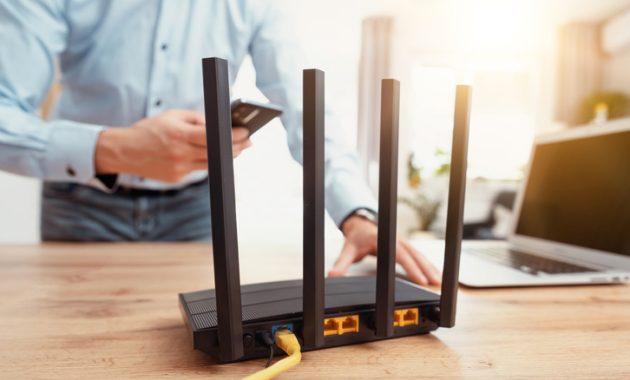
Diagnosing Hardware Failures and Connectivity Issues
Physical hardware degradation often presents as intermittent disconnections on devices that previously maintained stable signal strengths. Advanced stages of failure may cause the hardware to freeze entirely, requiring manual power cycles before failing to power on permanently. However, temporary dropouts can stem from environmental signal interference or issues isolated to a single client device rather than the router itself.
Isolating speed bottlenecks requires comparative testing using a direct Ethernet connection between a computer and the router. If wired speeds remain consistent while wireless tests show degradation, the issue lies specifically within the Wi-Fi transmission. Additionally, physical placement significantly impacts performance, as thick walls and obstructions degrade signal propagation across distant rooms. Households struggling with dead zones can evaluate Wi-Fi extenders, repeaters, or comprehensive mesh systems to improve overall coverage.
Considering Speed Capabilities and Wi-Fi Standards
Hardware age directly influences compatibility with modern wireless protocols that deliver substantial speed improvements. Older hardware lacks support for newer generations like Wi-Fi 6, 6E, or Wi-Fi 7, which utilize the 6GHz band to achieve significantly higher throughput than legacy Wi-Fi 4 or 5 devices. Modern Wi-Fi 7 routers can theoretically reach speeds up to 5.8Gbps, vastly outperforming older standards that top out well below 1Gbps.
Achieving these performance gains requires both the router and the connected client devices to support the same advanced technology. Upgrading your networking hardware will not accelerate an older laptop, but pairing modern devices with a capable gateway prevents performance bottlenecks. While routers lack a hard expiration date, combining sluggish performance, missing security patches, and outdated wireless standards makes a router replacement the safest and most efficient path forward.