Reusing Your Old Chromebook
Chromebooks serve as affordable, low-cost laptops, but their utility does not end once they stop functioning as your primary computer. Instead of letting aging hardware collect dust, you can repurpose the device to fulfill entirely new functions and potentially save money on buying extra equipment.
Transforming the Display
Even when a device becomes outdated, it frequently retains a perfectly serviceable screen that can serve secondary purposes. Applications like Duet allow you to connect a Chromebook to a PC or Mac to mirror or extend your workspace, though this utility requires a small subscription fee. Alternatively, you can repurpose the display as a digital photo frame by configuring the screen never to turn off and loading a slideshow in full-screen mode.
Controlling Smart Home Devices
Smart home management offers another practical avenue for aging hardware. You can access Google Home directly through your browser or the Android app, or use the device to monitor a separate Home Assistant installation running on a Raspberry Pi or PC. Because the Home Assistant interface operates inside a browser, even an older laptop provides a capable, dedicated touchscreen display to manage your entire smart home ecosystem from a single location.
Advanced Linux Integration
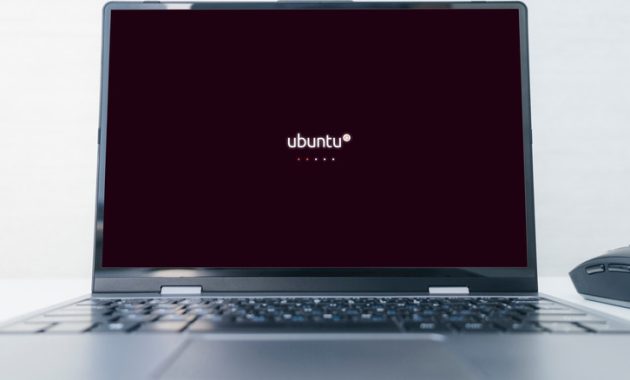
For more advanced users, running Home Assistant directly on the laptop eliminates the need for a secondary host device. This method requires installing Linux via projects like Chrultrabook or MrChromebox, which involve complex installation procedures but unlock broader hardware capabilities. If replacing the operating system feels unnecessary, the official ChromeOS feature known as Crostini allows you to run a Linux virtual machine, though the virtualization overhead can strain older specifications.
Media Servers and Retro Gaming
Limited hardware performance does not preclude using the laptop as a file server or media streaming hub. By installing Linux, you can host media server applications like Plex or Jellyfin to stream files to other devices on your network. Similarly, lightweight retro gaming environments like Batocera can turn the portable hardware into a dedicated emulation machine, provided you avoid the legal issues associated with pirated software.