Apple sells several MacBook models across different sizes, prices, and performance levels, making the process of choosing the right device heavily dependent on your budget, the type of work you do, and how much raw processing power you actually need. In this in-depth guide, we explore the 2026 lineup, examining the budget-friendly MacBook Neo, the mainstream MacBook Air, and the various MacBook Pro iterations—including models with and without touchscreen displays—to help you configure the ideal machine.
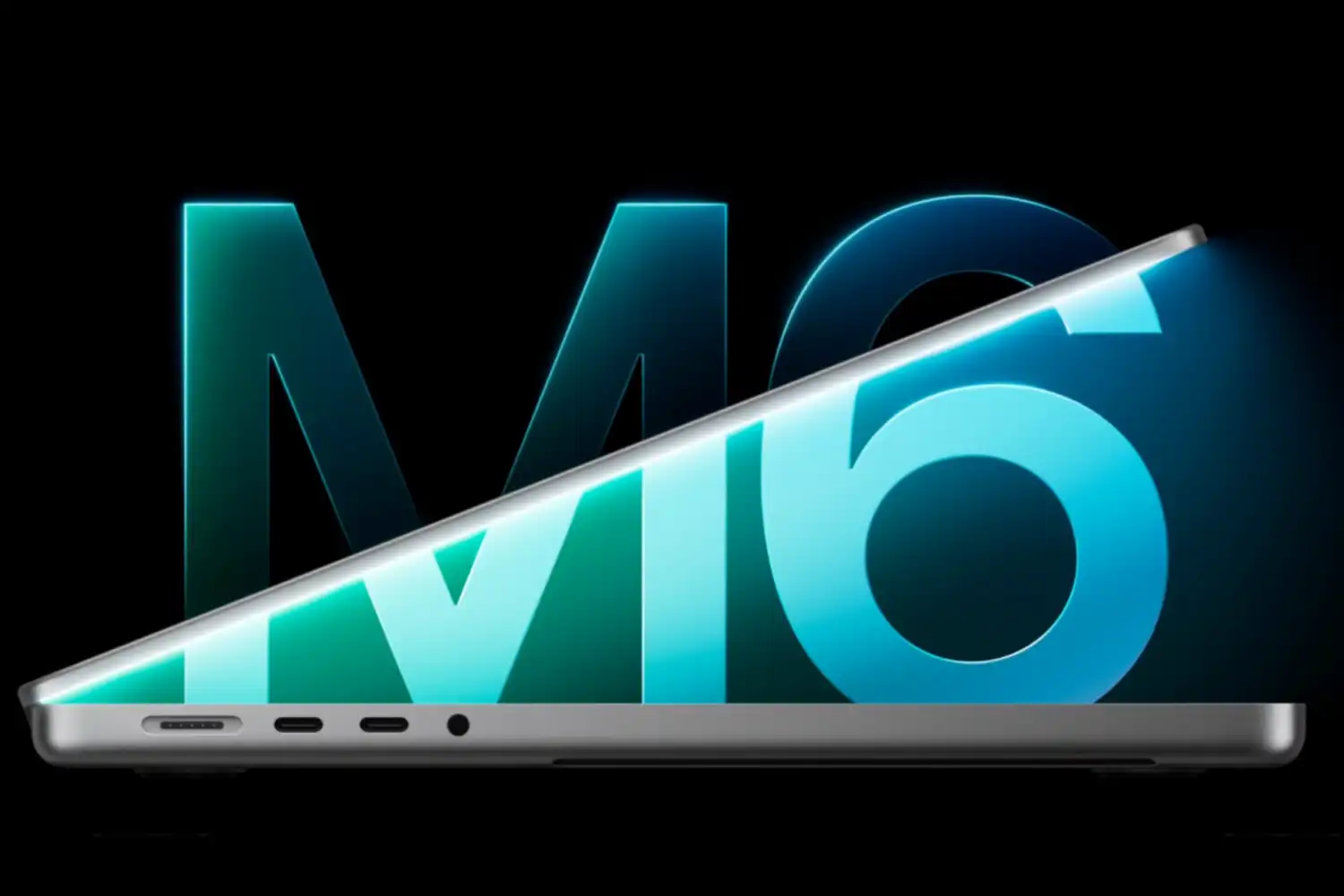
Navigating the MacBook Pro lineup now involves balancing processing architectures with display preferences. The entry-level 14-inch model utilizes the M6 chip, whereas more demanding workloads can be handled by the M5 Pro or M5 Max configurations. These higher-end variants are offered with either a traditional non-touch Liquid Retina XDR display or a cutting-edge PROLED XDR OLED touchscreen.
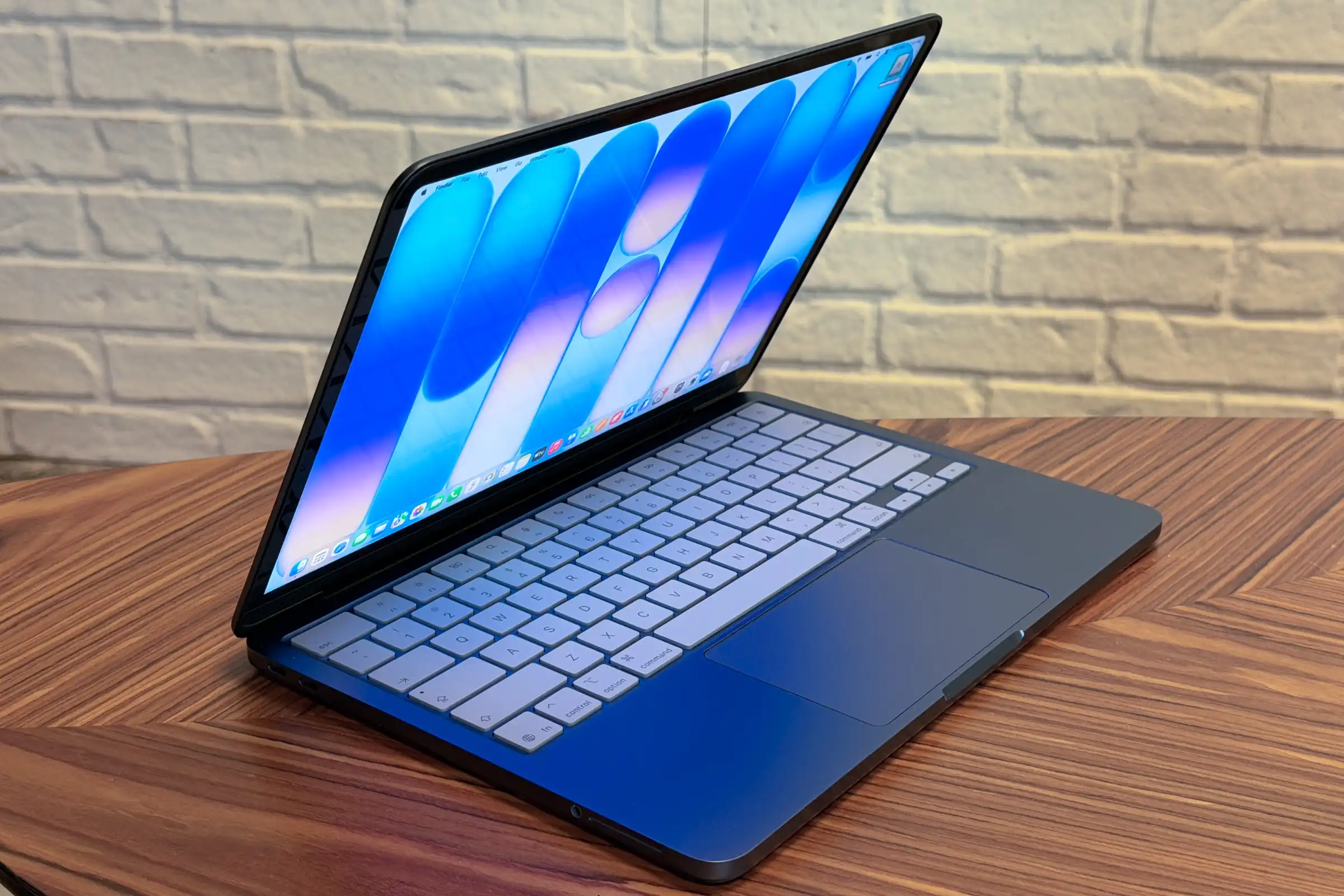
The 2026 Lineup: Which Model is Right for You?
In 2026, Apple’s laptop ecosystem spans five primary choices:
- MacBook Neo: The new budget-friendly entry point ideal for students and casual users.
- MacBook Air (M5): The mainstream champion offering an optimal balance of portability and power.
- MacBook Pro (M6): The entry-level professional device featuring active cooling and enhanced port selection.
- MacBook Pro (M5 Pro/Max): High-performance machines built for demanding creative workflows and software development.
- Touchscreen MacBook Pro (M5 Pro/Max): Advanced creative tools featuring tandem OLED panels and direct touch interaction.
Use the comprehensive comparison table below to quickly identify which laptop matches your operational requirements:
| Model | Best For | Screen Sizes | Starting Price |
|---|---|---|---|
| MacBook Neo | Students, casual users, and first-time buyers. | 13-inch | $699 |
| MacBook Air (M5) | Most people: everyday performance and portability. | 13.6-inch or 15.3-inch | $1,299 / $1,499 |
| MacBook Pro (M6) | A better display, more ports, and sustained performance. | 14.2-inch | $1,999 |
| MacBook Pro (M5 Pro/Max) | Demanding creative work, development, and heavier workloads. | 14.2-inch or 16.2-inch | $2,499 / $4,099 |
| Touchscreen MacBook Pro (M5 Pro/Max) | High-end creative professionals who need OLED and touch interaction. | 14.2-inch or 16.3-inch | $2,899 / $4,499 |
Best MacBook for Most People: MacBook Air (M5)
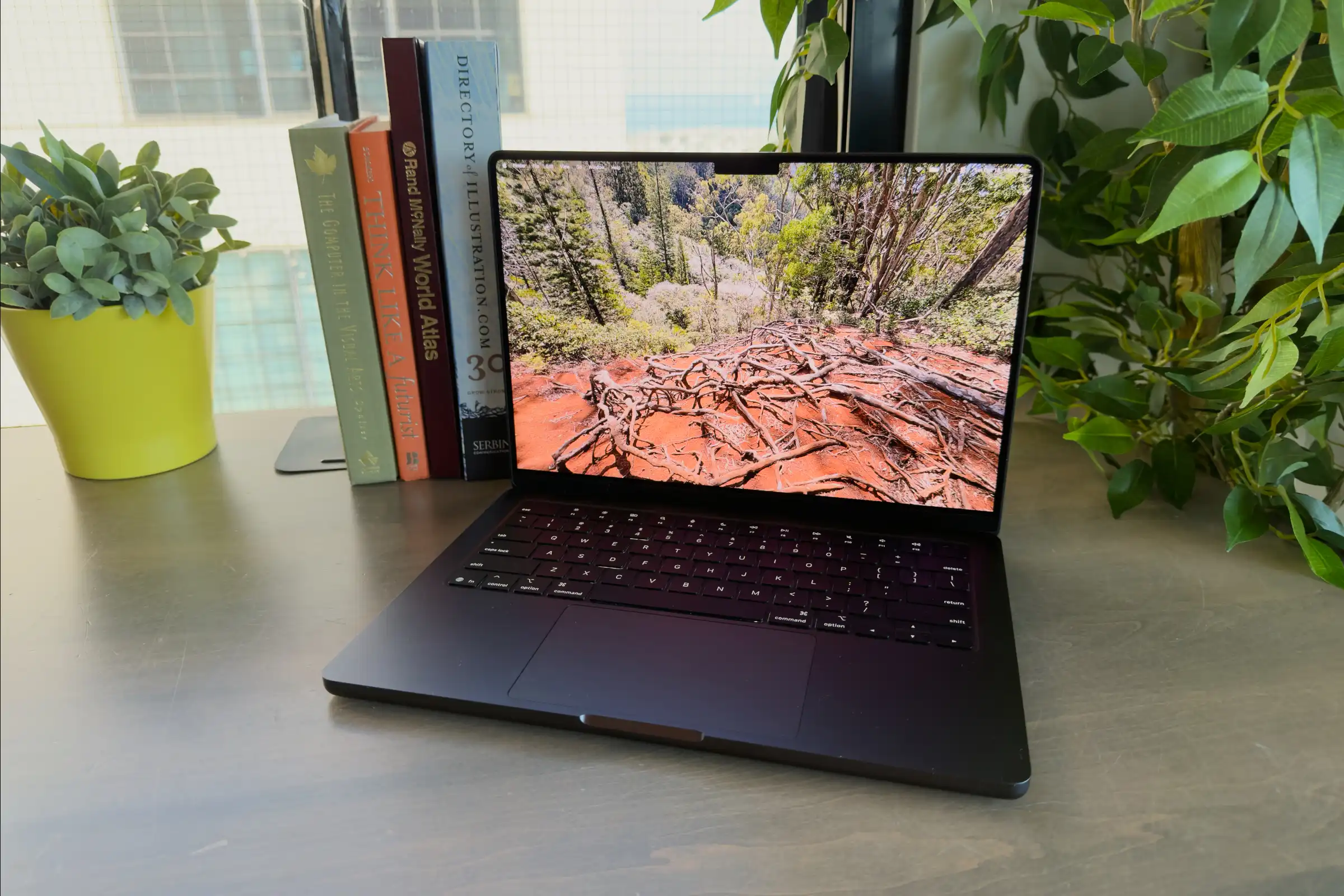
The MacBook Air powered by the M5 chip remains our top recommendation for the vast majority of buyers because it delivers an exceptional equilibrium of price, portability, battery longevity, and everyday performance. Updated in March 2026, the laptop maintains its popular form factor while expanding baseline specifications.
We recommend the MacBook Air for several key reasons:
- Excellent balance of performance and portability
- Silent fanless design
- Extended battery life
- Strong everyday performance for work, school, and travel
- Standard configuration featuring 16GB of RAM and 512GB of storage
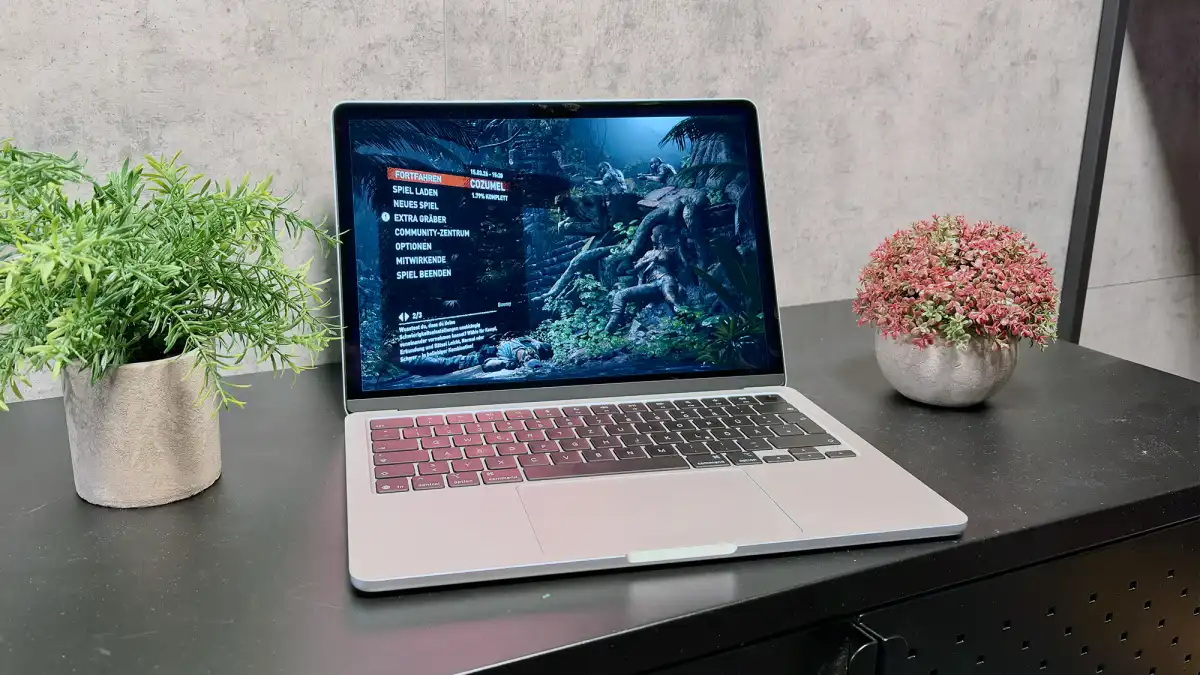
The MacBook Air is available in a 13-inch size featuring a 13.6-inch screen optimized for maximum portability, and a 15-inch size featuring a 15.3-inch screen better suited for split-screen multitasking. The Liquid Retina display delivers a bright visual experience with 500 nits of brightness and P3 wide color, though it lacks the 120Hz ProMotion refresh rate found on Pro models.
Under the hood, the M5 chip handles office productivity, web applications, and light creative tasks with ease. Because the Air relies on a fanless thermal design, sustained heavy workloads like long video exports will trigger thermal throttling to manage internal temperatures. Pricing starts at $1,299 for the 13-inch model and $1,499 for the 15-inch model following Apple’s June 2026 price adjustments.
Best Budget MacBook: MacBook Neo
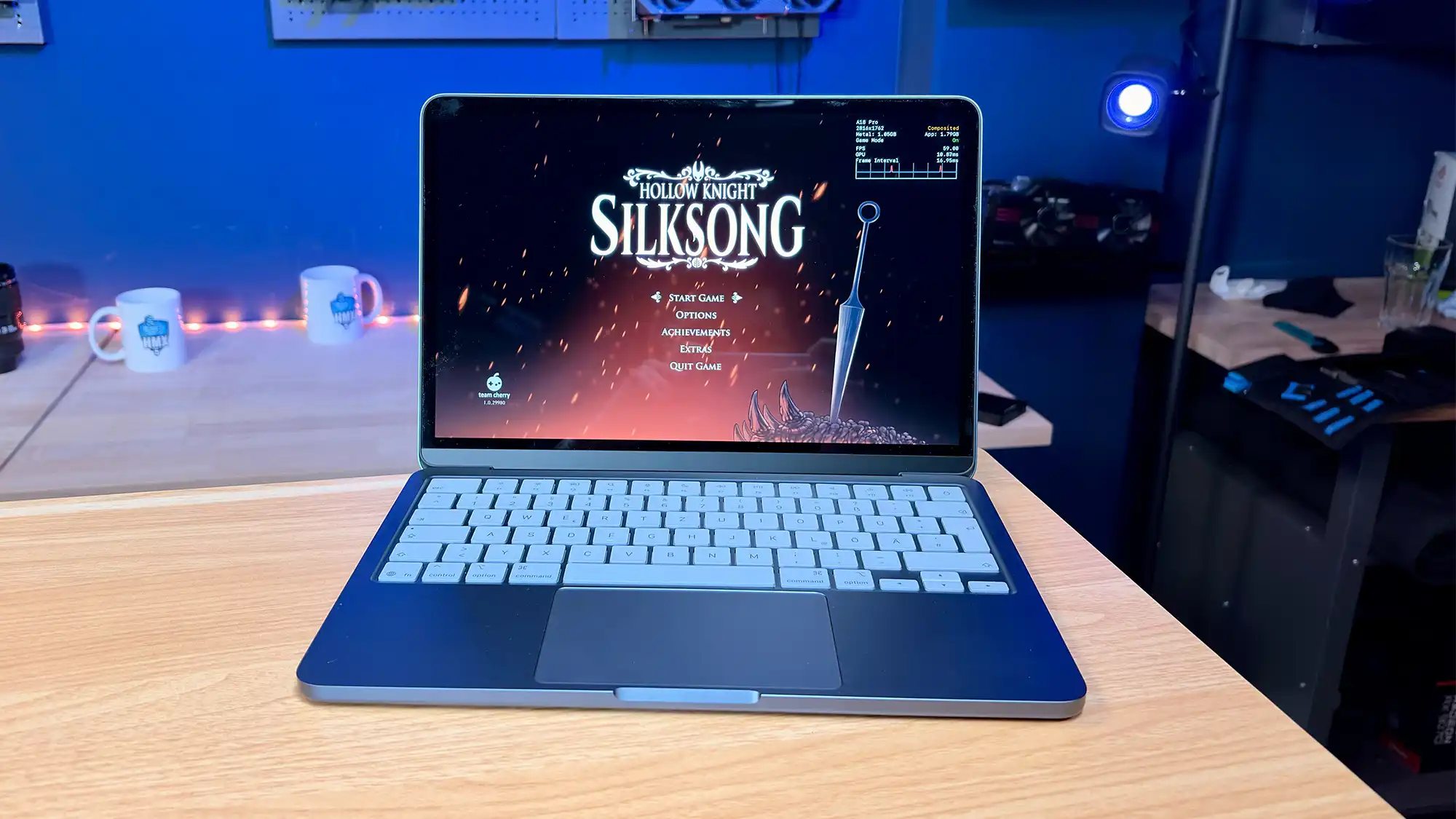
The MacBook Neo represents the most affordable entry point into the macOS ecosystem for 2026, starting at $699—a $100 increase from its initial launch price. It is purposefully designed for students, first-time Mac buyers, and casual users whose computing needs center on web browsing, streaming video, and document editing.
Key highlights of the MacBook Neo include:
- Lowest price in the current lineup
- Lightweight and portable aluminum chassis
- Quiet fanless architecture
- Solid battery life for daily classroom use
The Neo features a 13-inch Liquid Retina display capped at 500 nits of brightness, utilizing sRGB color rather than P3 wide color or True Tone. Powered by the mobile-class A18 Pro chip first introduced with the iPhone 16 Pro, the Neo delivers surprising responsiveness, beating the M3 in single-core tests and matching the M1 in multi-core benchmarks. However, achieving this price point requires notable compromises: the base model lacks a backlit keyboard and Touch ID, features an 8GB RAM ceiling that cannot be upgraded, and utilizes slower SSD storage.
The Professional Choice: MacBook Pro (M6, M5 Pro, and M5 Max)
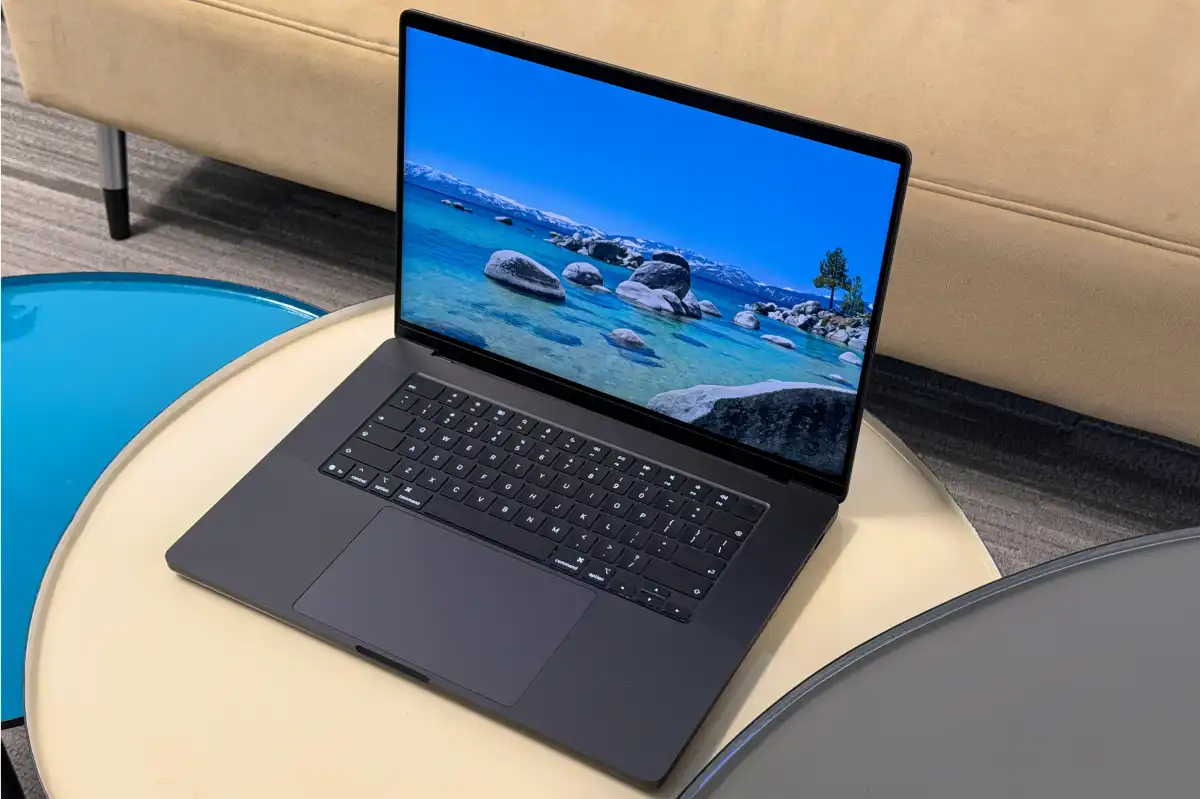
When your workflow demands sustained computing power, active cooling, and advanced connectivity, the MacBook Pro family provides the necessary overhead. The entry-level 14-inch model features the M6 chip, offering active cooling and a mini-LED Liquid Retina XDR display starting at $1,999. For intense professional tasks, users can step up to the M5 Pro or M5 Max configurations.
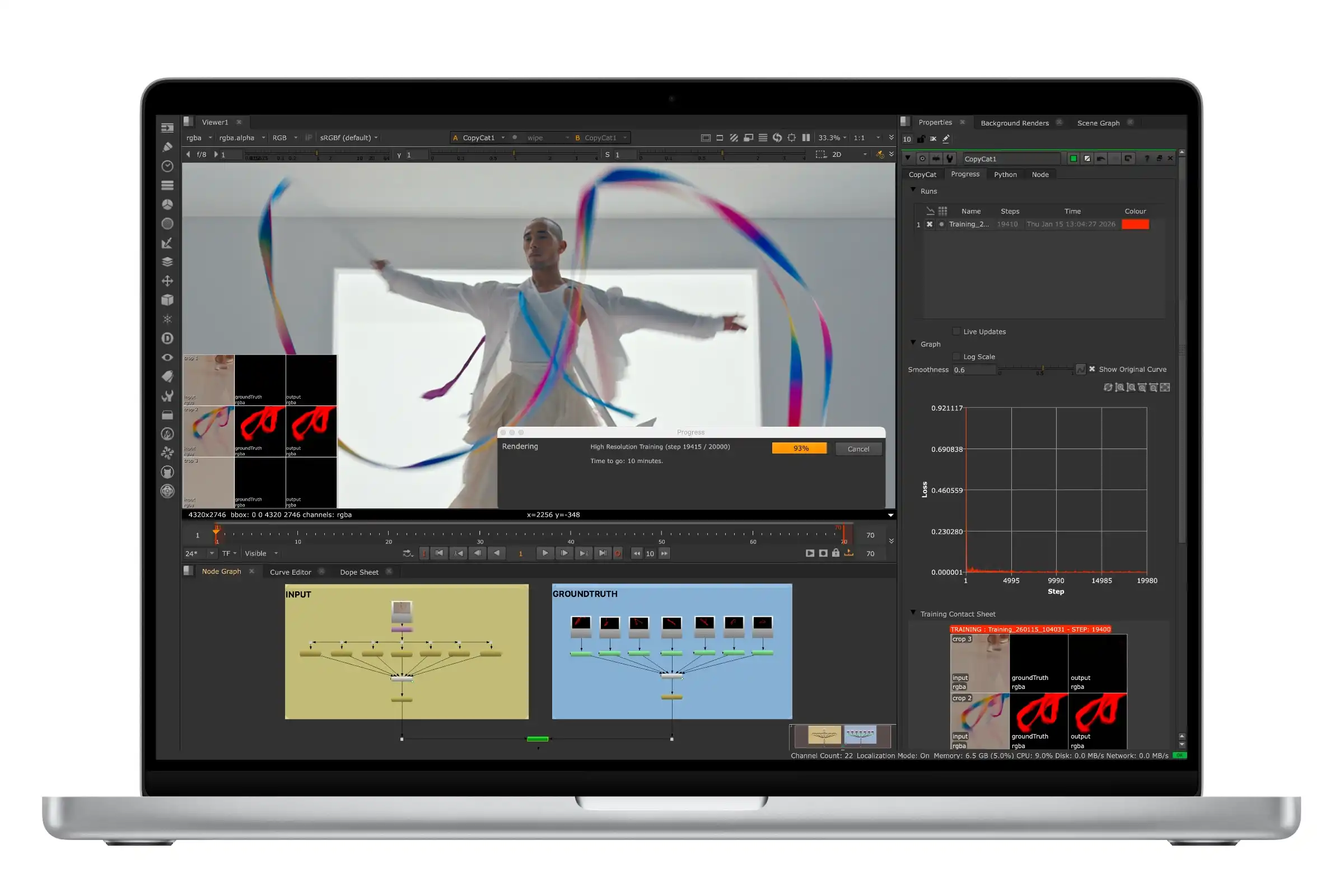
The non-touchscreen professional models are engineered for tasks such as 4K video editing, compiling large code projects, and running complex software suites:
- Active cooling systems that maintain high performance during extended render sessions
- Powerful multi-core CPU and GPU configurations
- Bright mini-LED displays featuring ProMotion adaptive refresh rates up to 120Hz
- Advanced input-output including Thunderbolt 5, HDMI, and an SDXC card slot
Sizes include the 14.2-inch model for enhanced portability and the 16.2-inch model for expansive timeline workspaces. M5 Pro chips support up to 64GB of unified memory and 4TB of storage, while M5 Max configurations scale up to 128GB of memory and 8TB of storage.
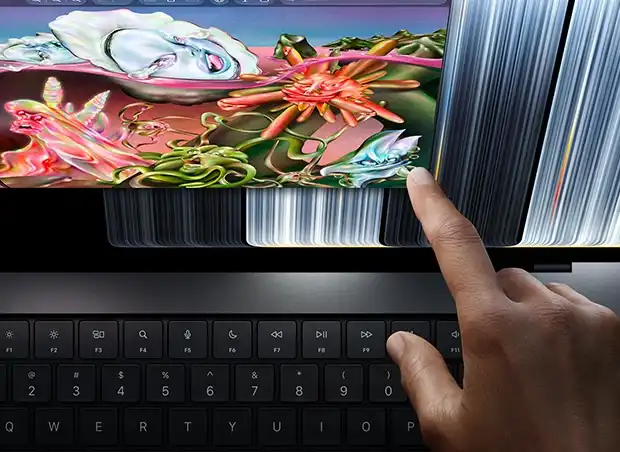
The Touchscreen Revolution: PROLED XDR Models
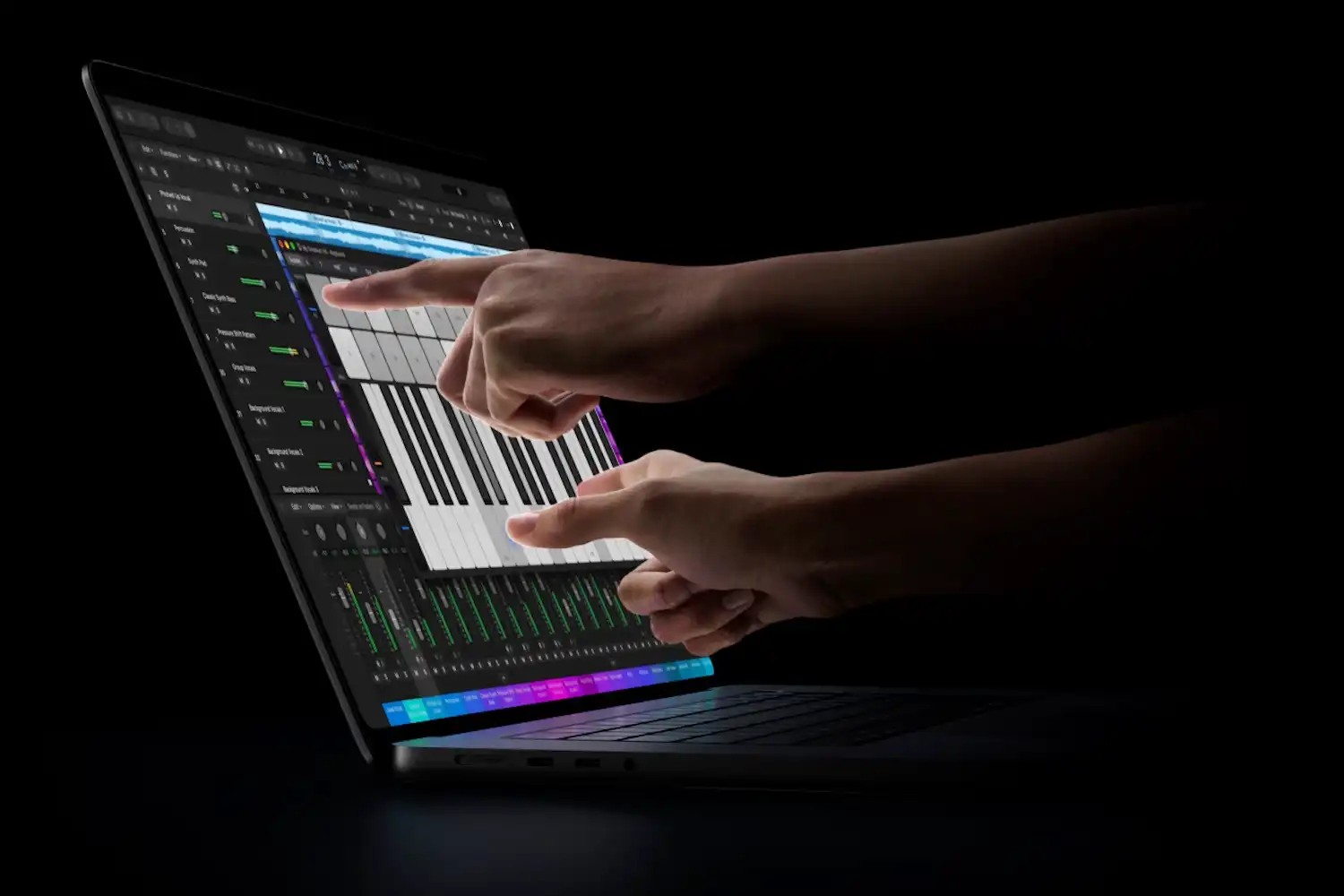
For a $400 premium over equivalent non-touch machines, Apple offers touchscreen MacBook Pro models equipped with PROLED XDR displays. These devices utilize tandem OLED technology to deliver deep blacks, a peak brightness of 2,000 nits for HDR content, and P3 plus Adobe RGB color support.
Beyond direct touch interaction—allowing users to scroll and zoom natively on the glass—these models feature a thinner, lighter chassis that replaces the traditional display notch with the Dynamic Island. They represent the ultimate tool for visual professionals who spend their entire day interacting directly with their laptop’s built-in screen.
MacBook Air vs. MacBook Pro: Key Differences
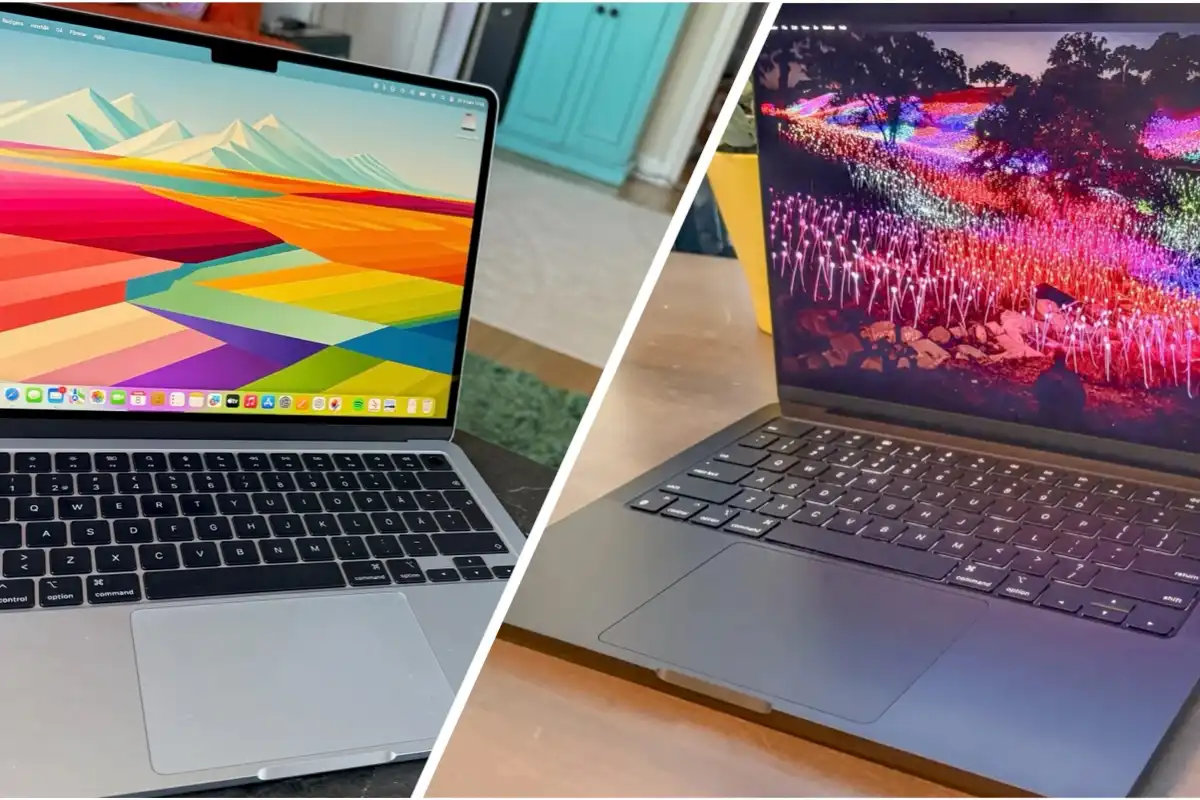
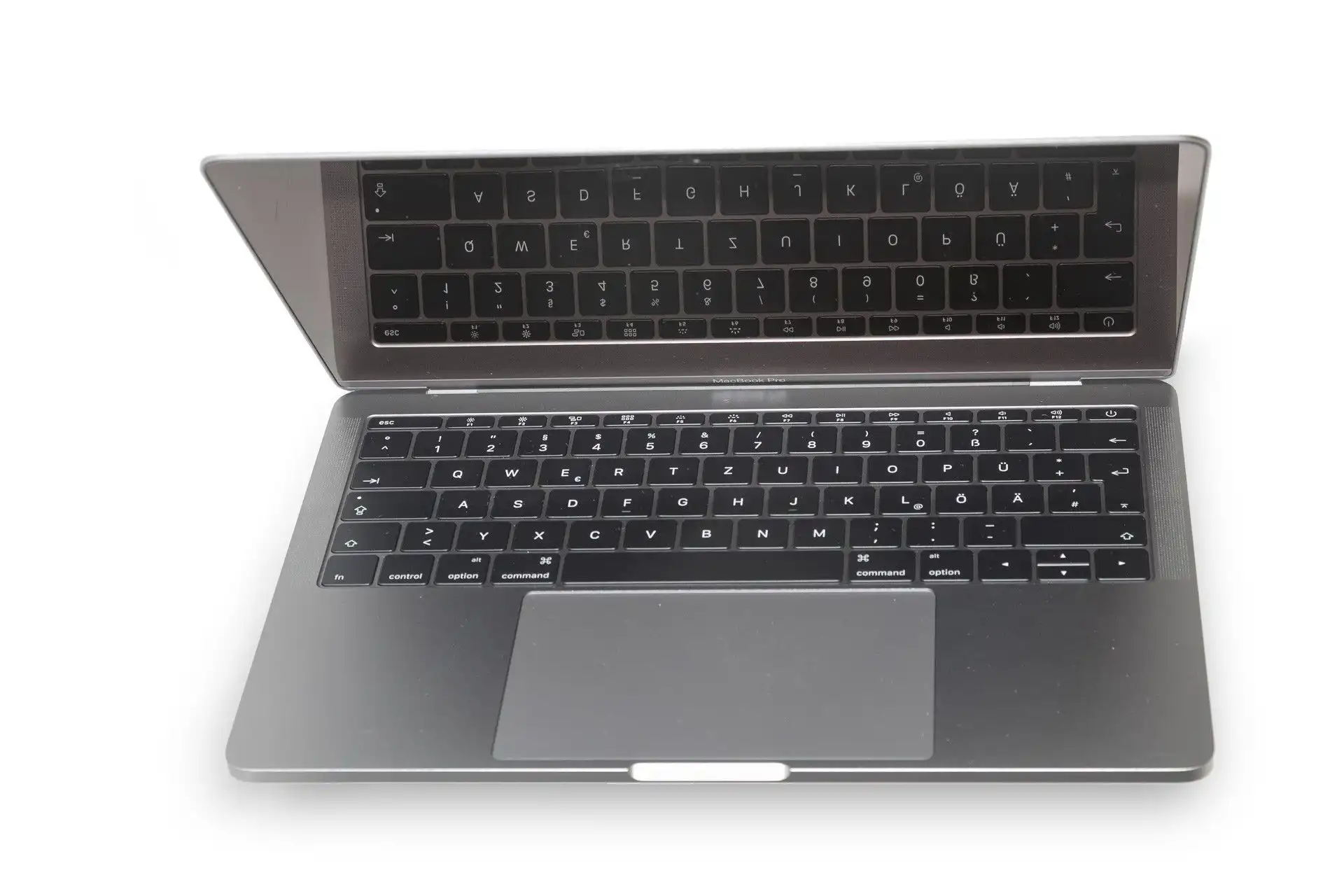
Choosing between the MacBook Air and the MacBook Pro depends on how you evaluate performance, display technology, and port availability. While the Air relies on a silent, fanless architecture suited for everyday mobility, the MacBook Pro incorporates active cooling fans designed to sustain heavy workloads without performance dips.
Display technology also sets the lines apart. The MacBook Air utilizes a standard 60Hz Liquid Retina panel, whereas the MacBook Pro introduces Liquid Retina XDR or PROLED XDR panels with mini-LED or tandem OLED tech, local dimming, and 120Hz ProMotion capabilities. Furthermore, while the Air is limited to two Thunderbolt 4 ports, the MacBook Pro includes three Thunderbolt ports (Thunderbolt 4 on M6, Thunderbolt 5 on M5 Pro/Max), an HDMI port, and an SDXC card slot.
Technical Buying Advice: RAM, Storage, and Chips
Because MacBook internal components cannot be upgraded after purchase, configuring your machine correctly at checkout is critical. For most users in 2026, 16GB of RAM serves as the safe baseline for longevity, though professional workflows benefit from 24GB to 128GB allocations. The budget MacBook Neo remains fixed at 8GB of RAM, making it less viable for multi-year professional use.
Storage selections should reflect your data habits. While 512GB is the practical minimum for a primary machine, creative professionals working with 4K video or complex codebases should opt for 1TB to 4TB configurations. Apple’s updated SSD technologies in the M5 and M6 generations deliver significantly faster read and write speeds compared to older hardware, whereas the Neo utilizes a slower storage architecture to maintain its budget price point.
External display support also scales by processor tier:
- MacBook Neo (A18 Pro): Supports a single external display up to 4K at 60Hz.
- MacBook Air & M6 Pro: Supports up to two external displays at 6K/60Hz.
- M5 Pro: Supports up to three external displays at 6K/60Hz.
- M5 Max: Supports up to four external displays at 6K/60Hz.
Frequently Asked Questions
Which MacBook lasts the longest on a single charge?
The MacBook Pro models lead the lineup in battery longevity, boasting up to 24 hours of video playback on select configurations.
Should I buy a refurbished MacBook?
Purchasing a refurbished Apple Silicon MacBook is an excellent way to save money, especially following Apple’s widespread price increases in 2026. Avoid older Intel-based machines.
Is a MacBook Air powerful enough for developers?
Yes, the M5 MacBook Air handles web development, scripting, and light programming well, though intensive virtualization and massive codebases require a Pro model.
How long will a modern MacBook last?
A typical MacBook remains functional and supported for five to eight years, depending on hardware specs and ongoing software updates from Apple.
Are MacBooks worth the cost compared to Windows laptops?
MacBooks generally offer superior build quality, industry-leading trackpads, exceptional battery performance, and tight ecosystem integration, making them a worthwhile investment despite rising industry component costs.